FeedEvery day has
Every day has
something to share.
Post an update, share a photo, or join the conversation. Keep up with the people and moments that make your day.
A Lifestyle + Career Platform
Connect over the things you love. Discover new opportunities. Make more of your every day.

A CLOSER LOOK
Explore real Android app captures and official store previews. From your first hello to your next opportunity.
Explore the screens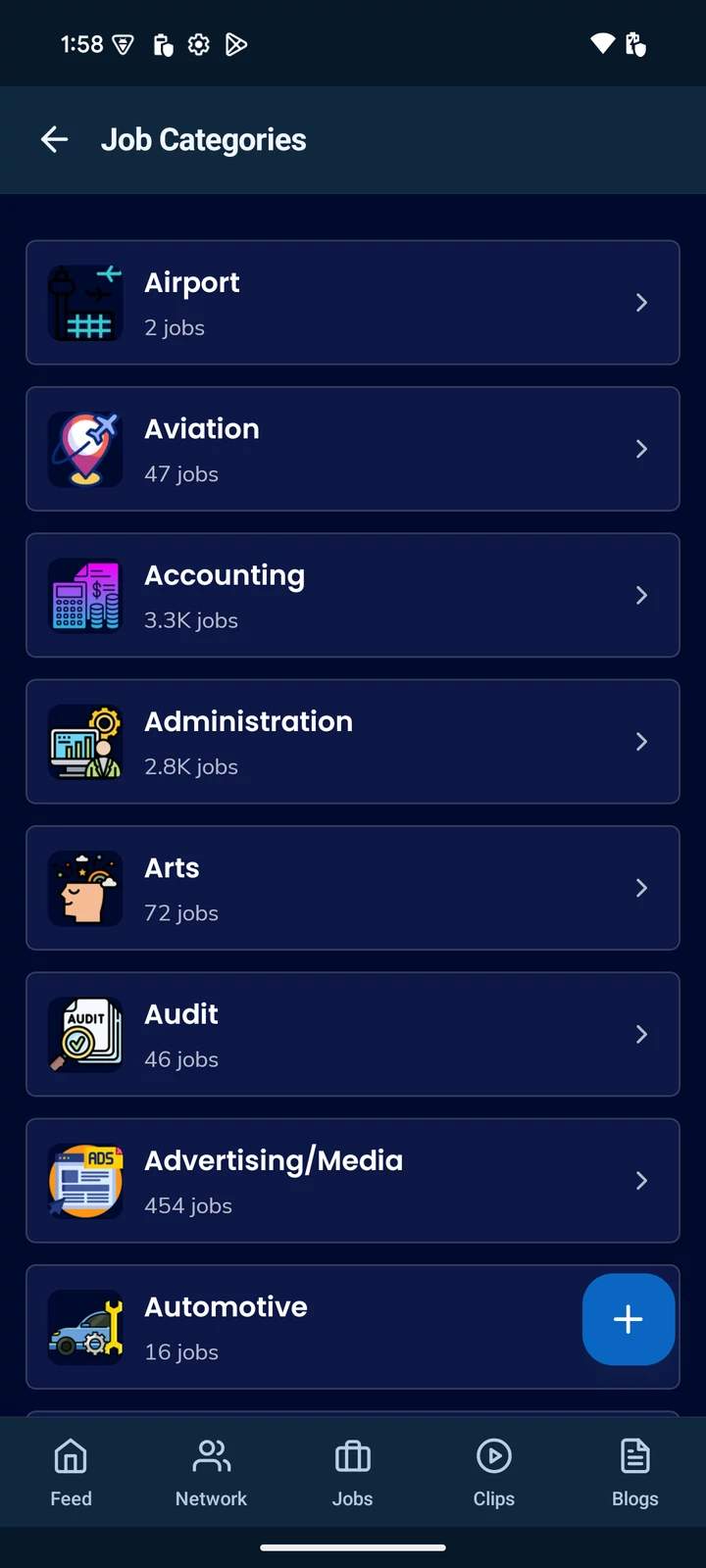

FEED & NETWORK
Real conversations. New connections.
A place to be yourself, and see what’s next.
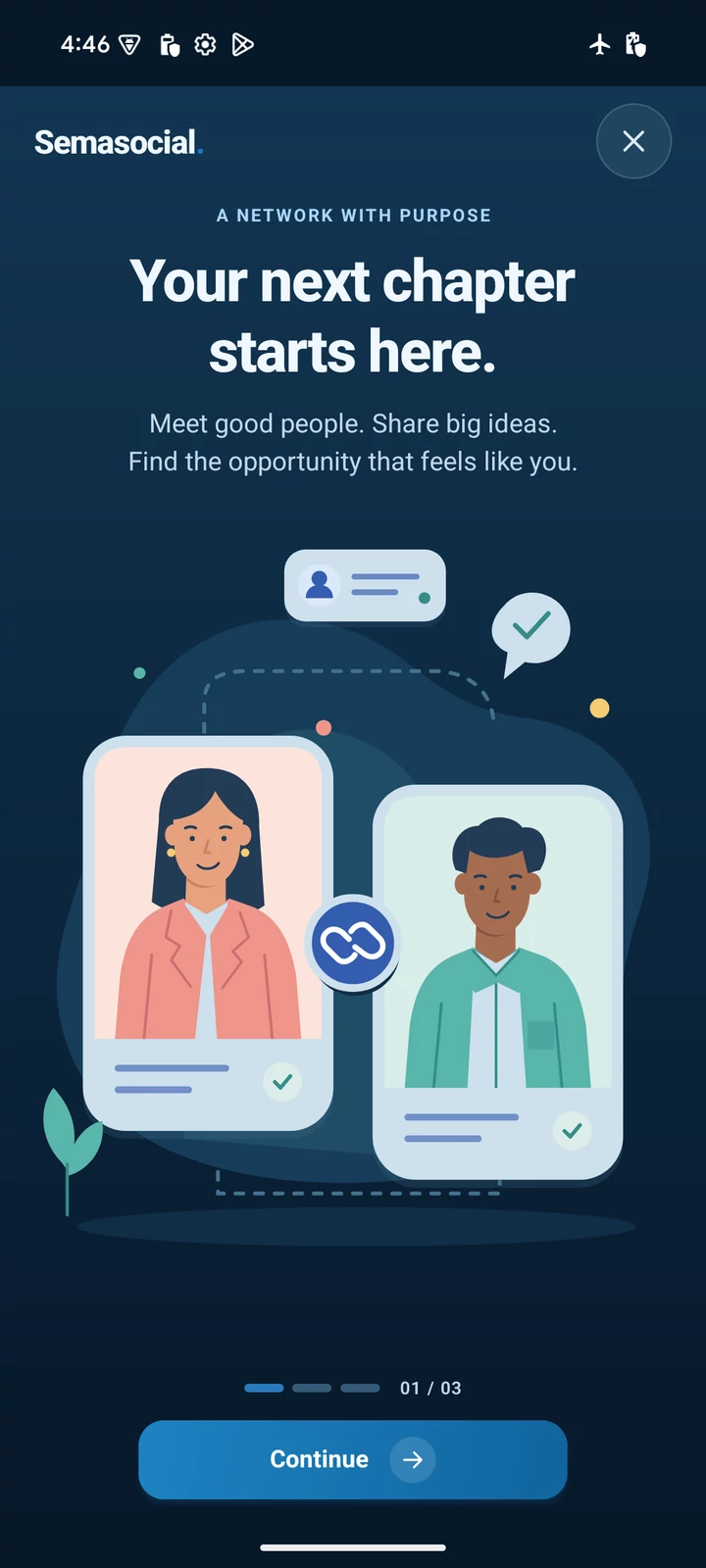
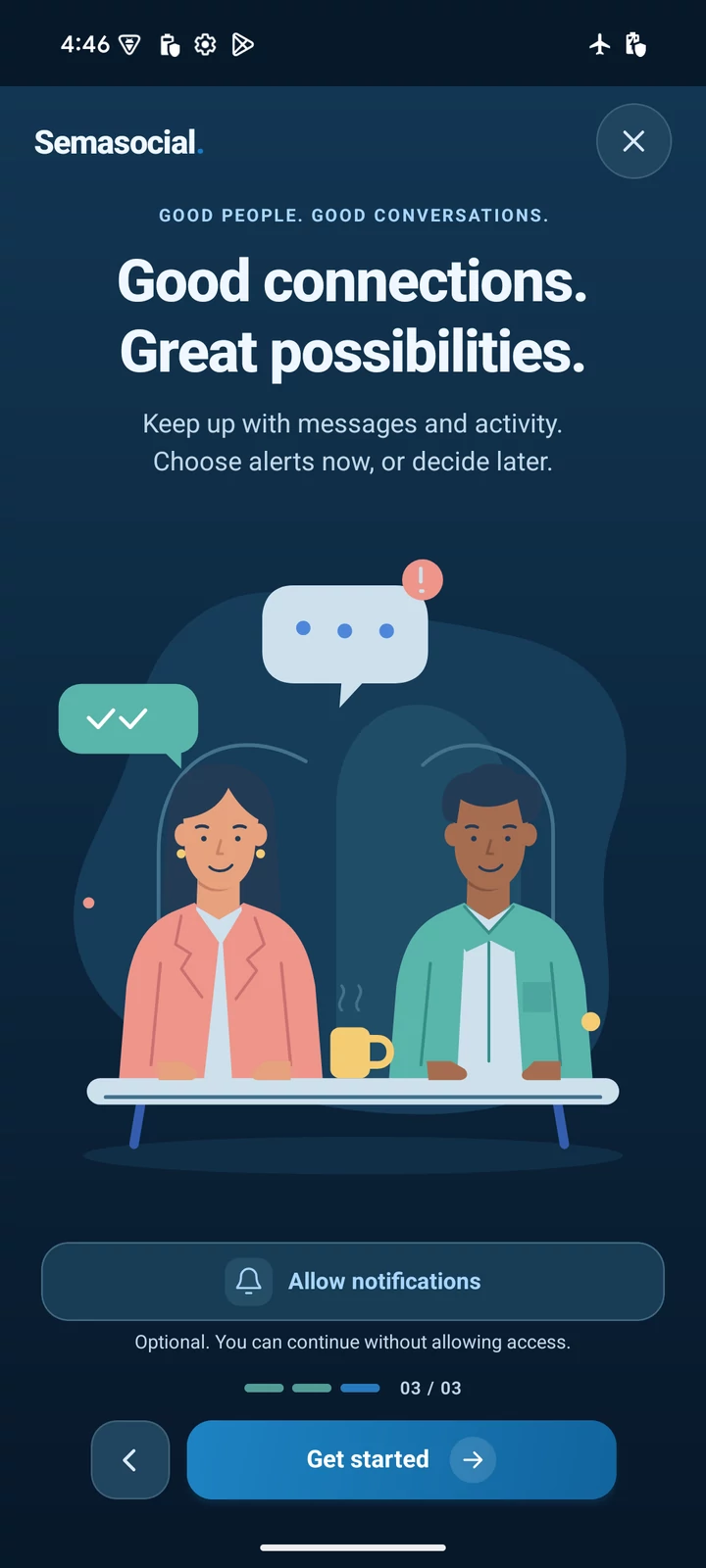
Post an update, share a photo, or join the conversation. Keep up with the people and moments that make your day.
Explore profiles, grow your network and stay in touch. Make connections around the things you have in common.
JOBS & OPPORTUNITIES
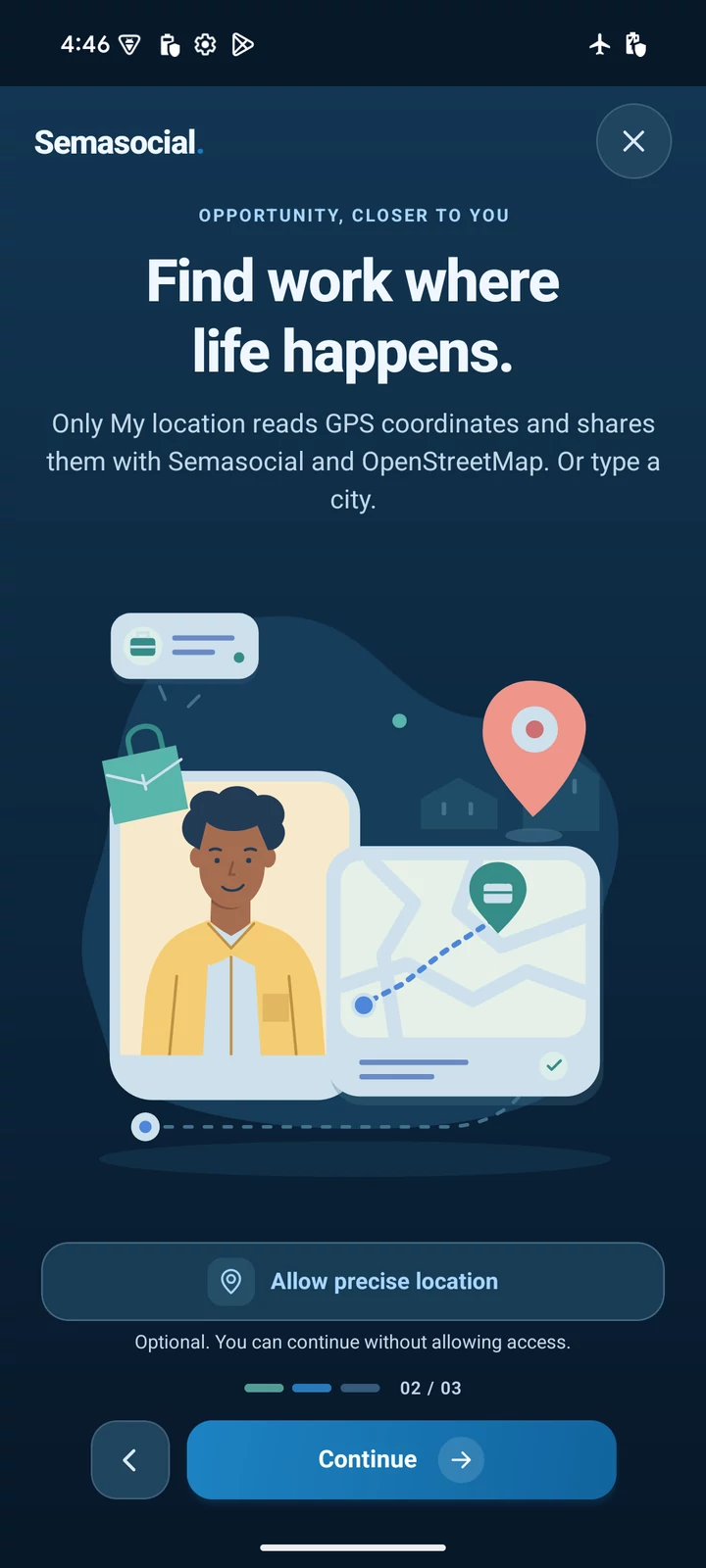
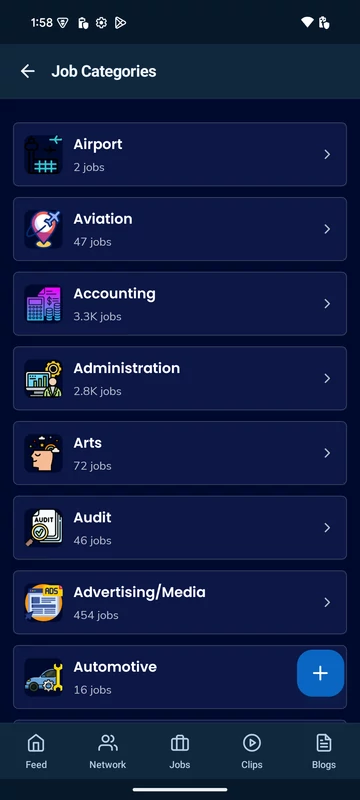
Search by role or location. Explore nearby opportunities on the map, save interesting jobs and find a direction that feels right for you.
CLIPS & BLOGS
A quick moment or a fresh perspective.
Discover the stories that stay with you.
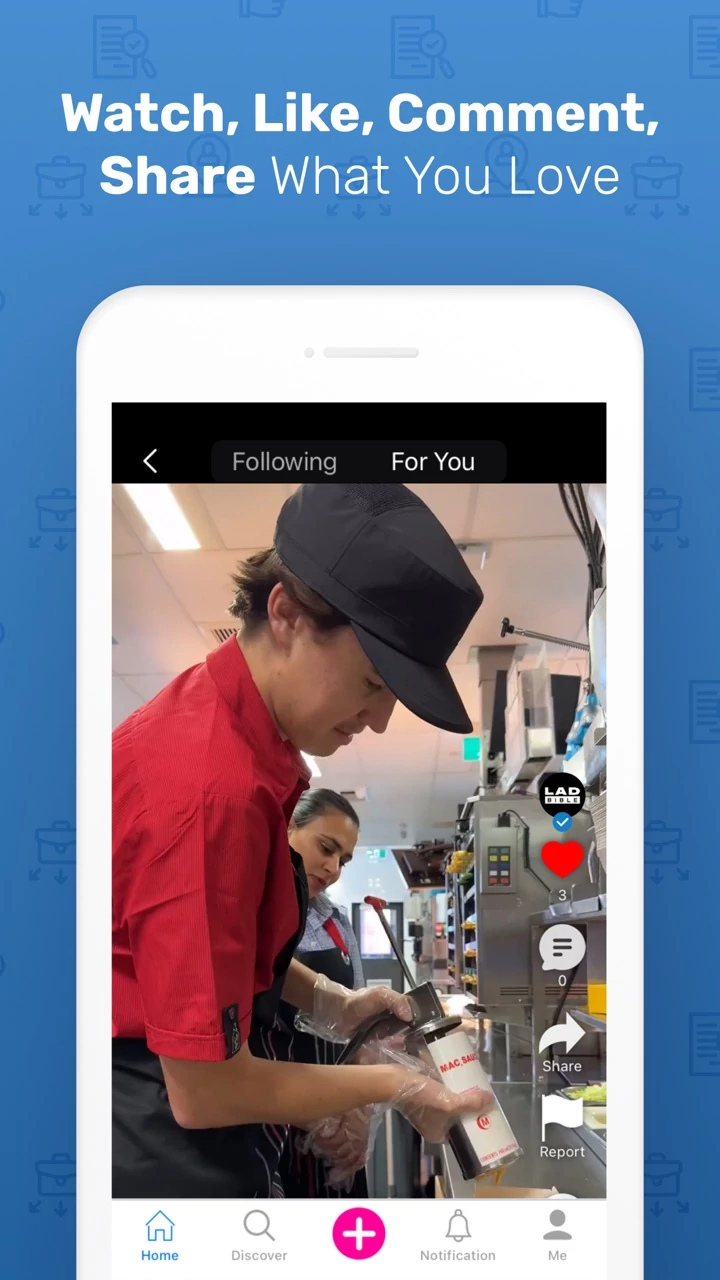
Discover short videos and creators. Share a moment from your world, or see life from someone else’s point of view.
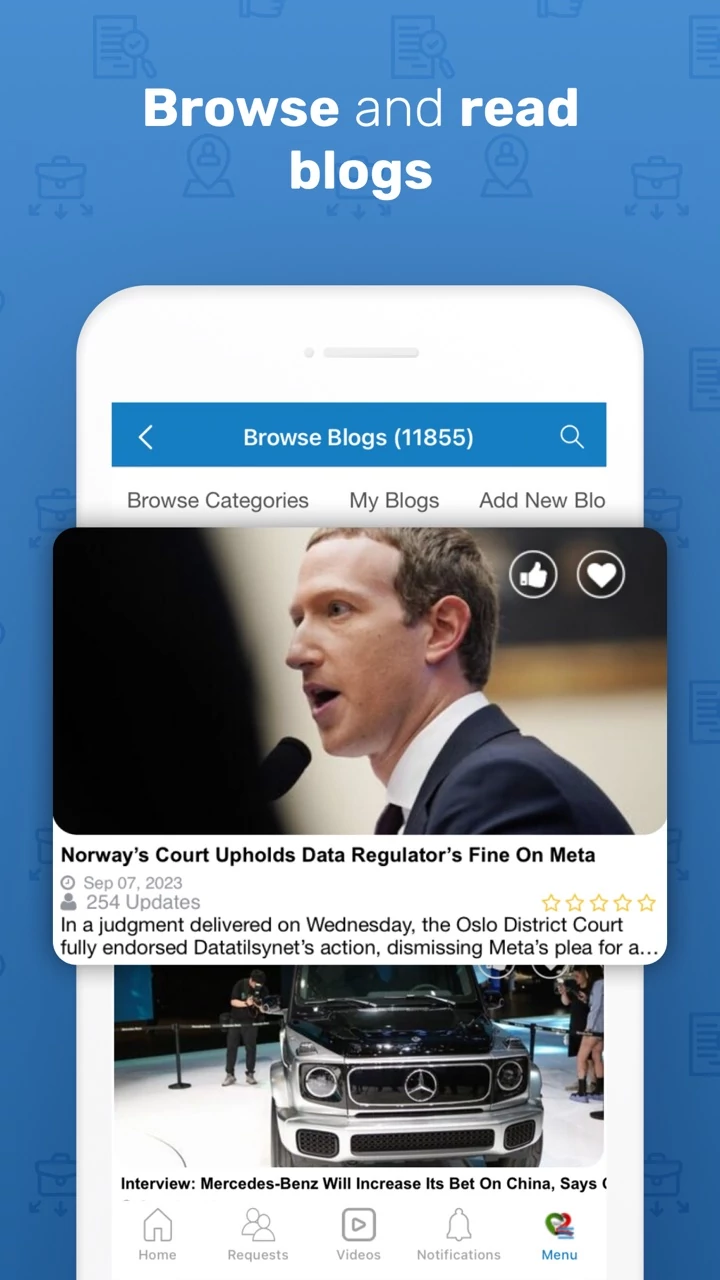
Explore ideas, experiences and longer reads. Find a new perspective, follow your interests and keep the conversation going.
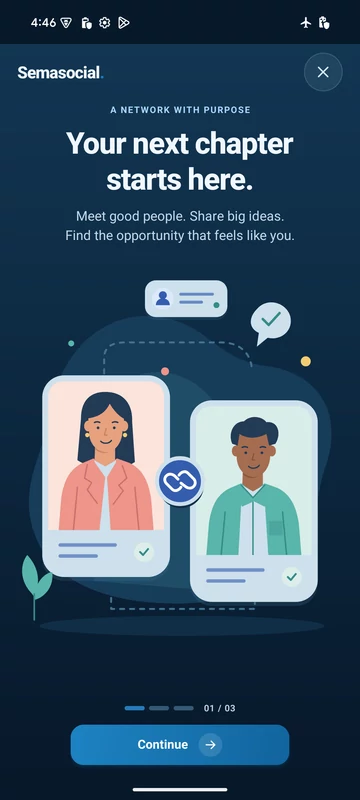
Feed, Network, Clips and Blogs artwork is illustrative. Android screenshots show captured app screens, not live content.
Choose the App Store for iPhone or iPad, and Google Play for Android. We put the matching store first when your browser or app link identifies your device. Both links stay available if you’re visiting from another device. Each store shows its own latest approved release.
The APK is an optional Android installer, not an iOS download. Google Play and direct APK versions may differ. Open the downloaded file and follow Android’s prompts. If asked, allow installation from the browser you used; you can turn that permission off afterward. If Android reports a signing conflict, keep your current app and use its original installation source. Don’t uninstall just to update.
Compatible, signed improvements can download inside Semasocial and apply on your next fresh launch. Changes to native device features need a new app installation from your original source. An Android update message here compares the app hint with the direct APK only, not Google Play or every OTA update. This page does not check an installed iOS app against the App Store.